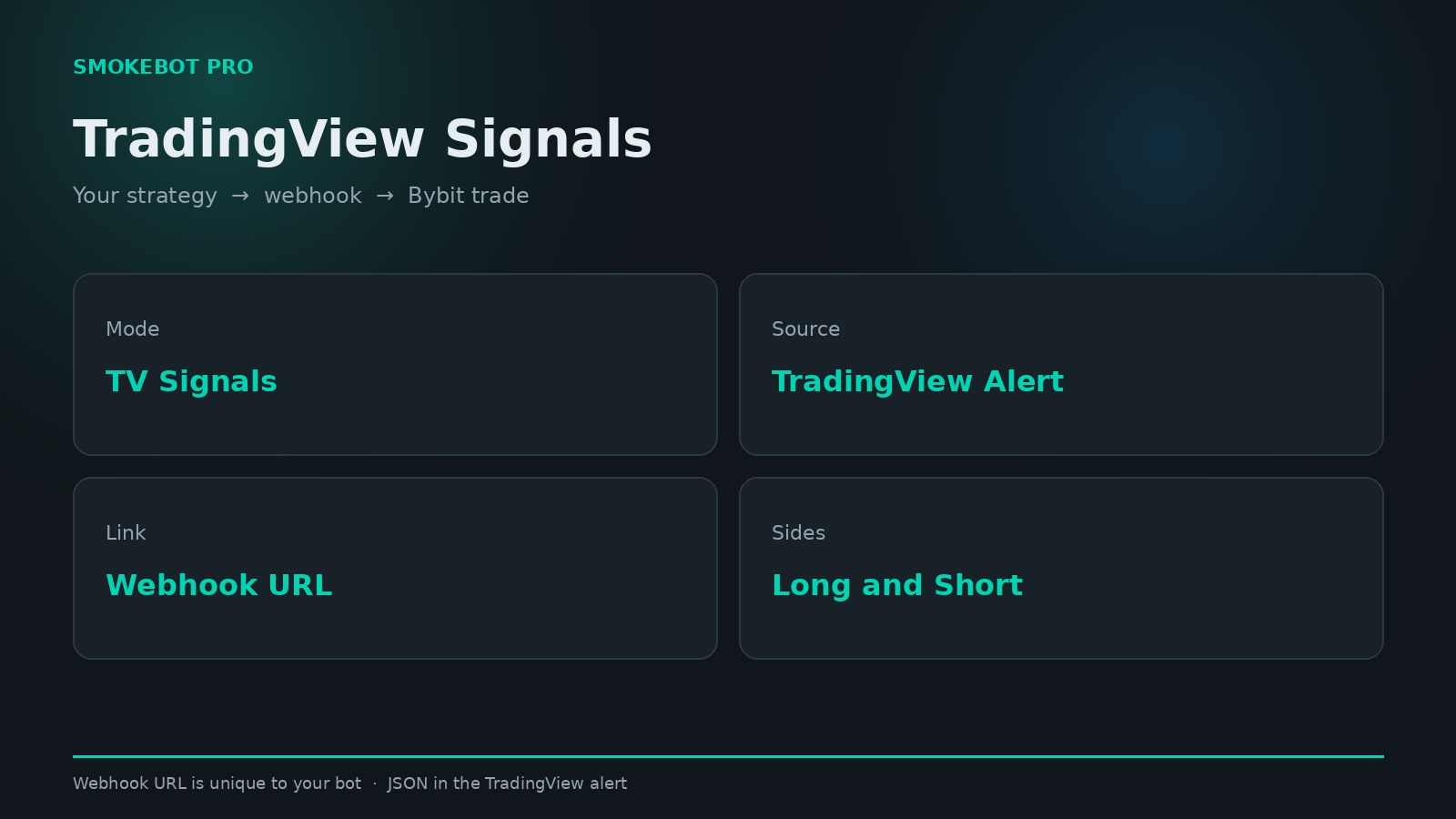
SmokeBot PRO offers a TradingView Signals mode. In this mode, the bot does not generate entry signals on its own. Instead, it automatically opens trades based on signals generated by your strategy on TradingView.
The bot receives signals through special URLs called webhooks. In the bot settings panel, each user has a unique webhook URL assigned specifically to their bot. You need to enter this URL in your TradingView alert settings under Alert → Webhook URL.
Important! Never share your webhook URL with anyone.
You can copy the example JSON message from the bot control panel and modify the required values before using it. The tp_percent and sl_percent parameters define the take-profit and stop-loss levels as percentages, while short or long specifies the trade direction. All other parameters can be left unchanged.
Webhook signals are processed only when TradingView Signals mode is enabled.
This mode is designed for users who already have their own trading strategy on TradingView and want their entries and exits on Bybit to be executed automatically, without manual intervention.